
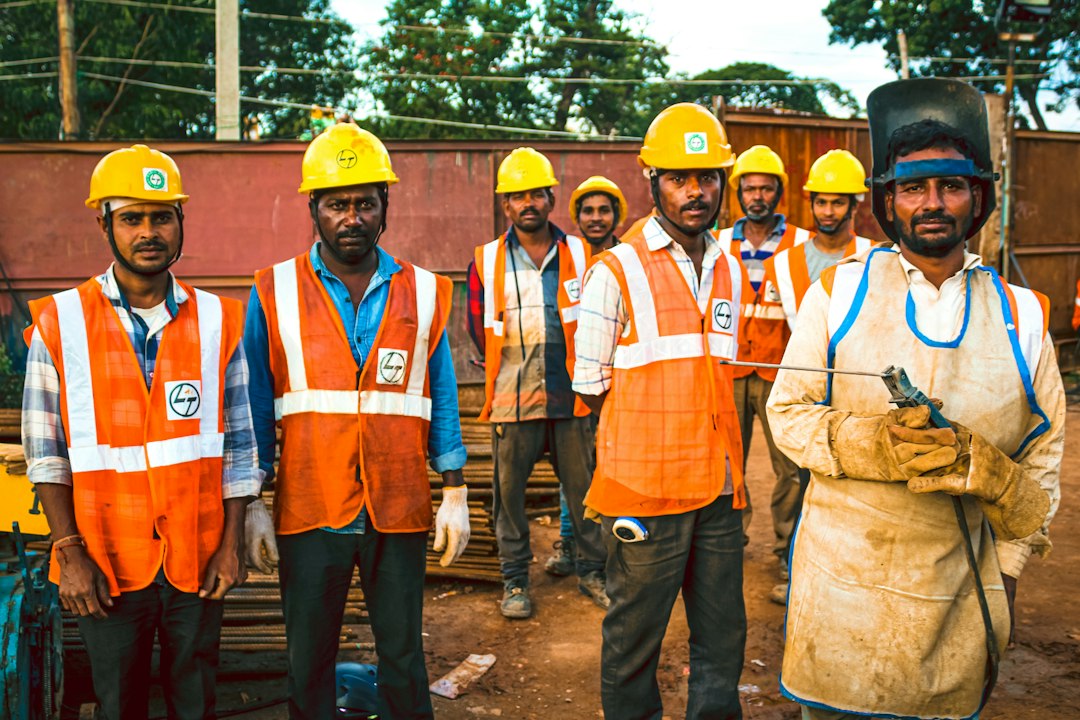
More than half of India’s workforce does not have a regular salary slip, a provident fund or a pension. Street vendors, construction workers, domestic helpers, rickshaw pullers and gig workers keep the economy moving, yet they often have no record of their work and no safety net. The e-Shram card is a government registration for such workers. This guide explains who can get an e-Shram card, what it gives you, what it does not give you, and how to register.
What Is the e-Shram Card?
The e-Shram portal is the National Database of Unorganised Workers, launched by the Ministry of Labour and Employment in 2021. When you register, you receive an e-Shram card with a 12-digit Universal Account Number (UAN). This number stays the same for life and works in every state, which is helpful for migrant workers who move from place to place. The government can use the database to plan welfare schemes and to reach workers quickly during emergencies.
Registration is free. Be careful of anyone who asks for money to make an e-Shram card for you, because the government does not charge a fee for it.
Who Is Eligible?
- You must be between 16 and 59 years of age.
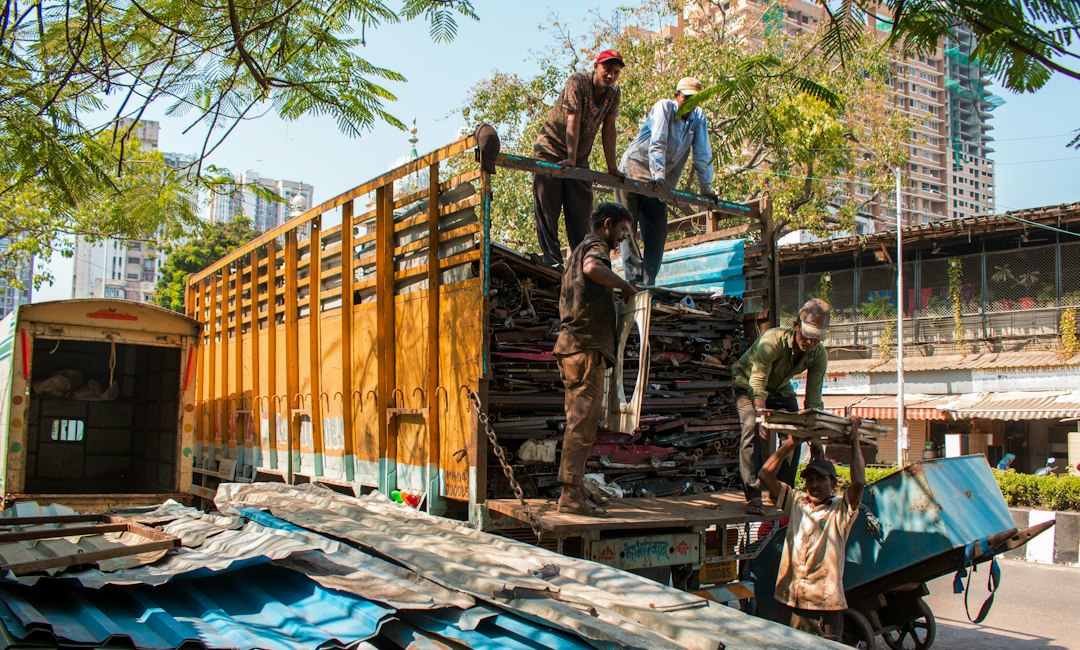
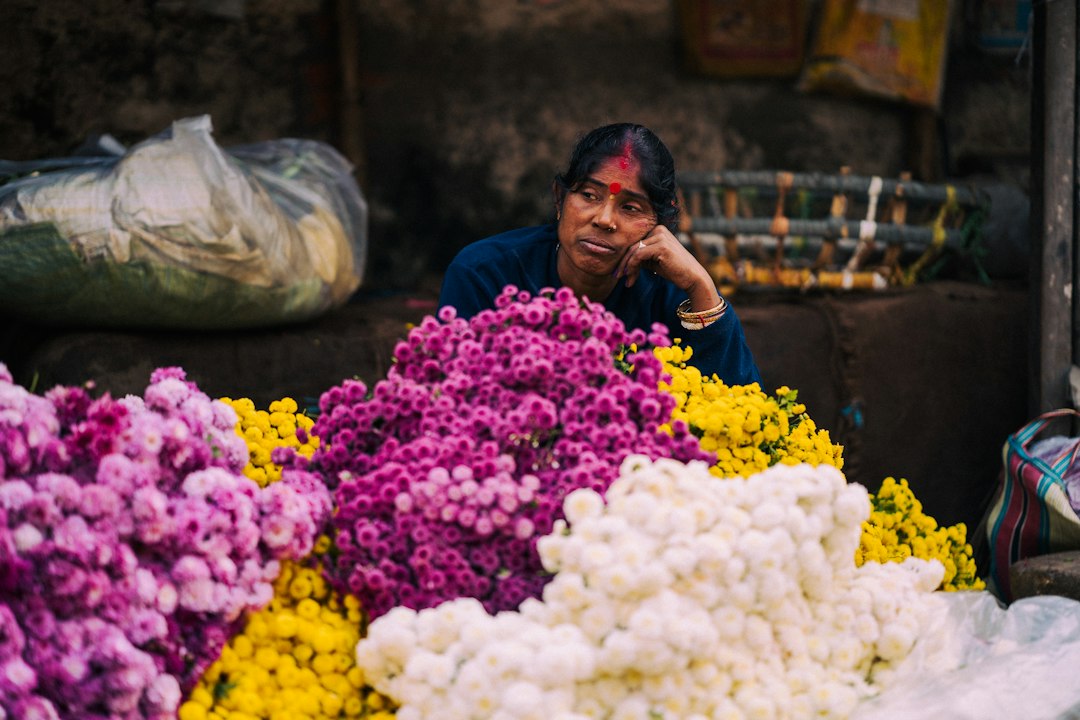
- You must work in the unorganised sector, for example as a construction worker, agricultural labourer, domestic worker, street vendor, rickshaw puller, gig or platform worker, fisherman, dairy worker, or a worker under MGNREGA. ASHA and Anganwadi workers can also register.
- You should not be a member of the Employees’ Provident Fund (EPFO) or the Employees’ State Insurance scheme (ESIC).
- You should not be an income-tax payer.
The list of covered occupations is long and can be updated, so if you are unsure whether your work qualifies, ask at a Common Service Centre (CSC) or check the official portal.
What Benefits Do You Get?
The main benefit at present is accident insurance through the Pradhan Mantri Suraksha Bima Yojana (PMSBY). As reported by guides on the scheme, registered workers get ₹2 lakh for accidental death or permanent total disability and ₹1 lakh for permanent partial disability, with the first year’s premium covered by the government. Terms such as the premium and the cover period are set by the government and the insurer, so please check the current conditions on the official portal.
Beyond insurance, the card has other uses:
- It gives you a recognised identity as a worker, which can make it easier to access welfare schemes.
- Governments can use the database to send help to registered workers during a crisis, as was done during the pandemic in some states.
- It can serve as a link to skill training and job opportunities listed on the portal.
What the e-Shram Card Does Not Give You
Many false messages about e-Shram circulate on social media. The most common one claims that every card holder gets a monthly payment of ₹500 or a pension of ₹3,000 to ₹5,000 just by registering. Fact-checkers have found that registration alone does not provide a pension. The card registers you for benefits and the insurance. If you want a pension, you need to join a pension scheme separately, such as our guide to the Atal Pension Yojana, which explains how a small monthly contribution can earn a pension after 60.
If you get a message saying that money will be credited to your account after you click a link or share an OTP, treat it as a scam and do not respond.
Documents You Need
- Aadhaar card
- A mobile number linked to your Aadhaar, so that you can receive the OTP
- Savings bank account number and IFSC code
- Details of your occupation and, where asked, your educational qualification and skills
How to Register Step by Step
Self-registration online
- Open the official e-Shram portal at eshram.gov.in and click the option for self-registration.
- Enter your Aadhaar-linked mobile number and verify it with the OTP.
- Check that your details are correct, and then enter your bank account details.
- Fill in your occupation, skills and family details.
- Submit the form. You will receive your UAN, and you can download the e-Shram card.
Registration at a centre
If you are not comfortable using the portal, visit a nearby Common Service Centre or a post office that offers the service. Take your Aadhaar and bank passbook with you, and the staff will register you using your fingerprint or an OTP. Do not hand over your documents to anyone who asks for payment.
Downloading the card later
If you lose your card, you can log in to the portal with your UAN and date of birth and choose the download option. Keep your UAN written down somewhere safe.
Common Problems and How to Fix Them
- No OTP received. Your mobile number is probably not linked to Aadhaar. Update it at an Aadhaar centre first.
- Name mismatch. The name in your bank account should match your Aadhaar. Ask the bank to correct it.
- Wrong occupation. Choose the occupation that describes the work you actually do for a living.
- Rejected for tax or EPFO status. If you are a member of EPFO or ESIC, or you pay income tax, you cannot register.
Frequently Asked Questions
Can I register if I work in a shop or a small factory?
Yes, if you are in the unorganised sector and not covered by EPFO or ESIC, though the rules can vary by case.
Does the card expire?
The UAN is meant to stay valid for life. Your details may need updating over time, for example when you change your job or address.
Is it useful for artisans?
Yes. Artisans may also qualify for the PM Vishwakarma Yojana, which offers training, tools and loans.
Final Thoughts
The e-Shram card is free, takes a few minutes to get, and brings you an accident insurance benefit and a place in the national database of workers. It is not a pension and it does not pay money on its own, so be careful with anyone who says otherwise. If you work in the unorganised sector, register through the official portal or a nearby CSC with your Aadhaar and bank details.
Disclaimer: This article is for general information and is not an official government publication. Eligibility rules, insurance terms and benefits can change. Please confirm the latest details on the official e-Shram portal or at a Common Service Centre before you register. Details last reviewed in October 2026.